01 · Preview
Seen before it is applied
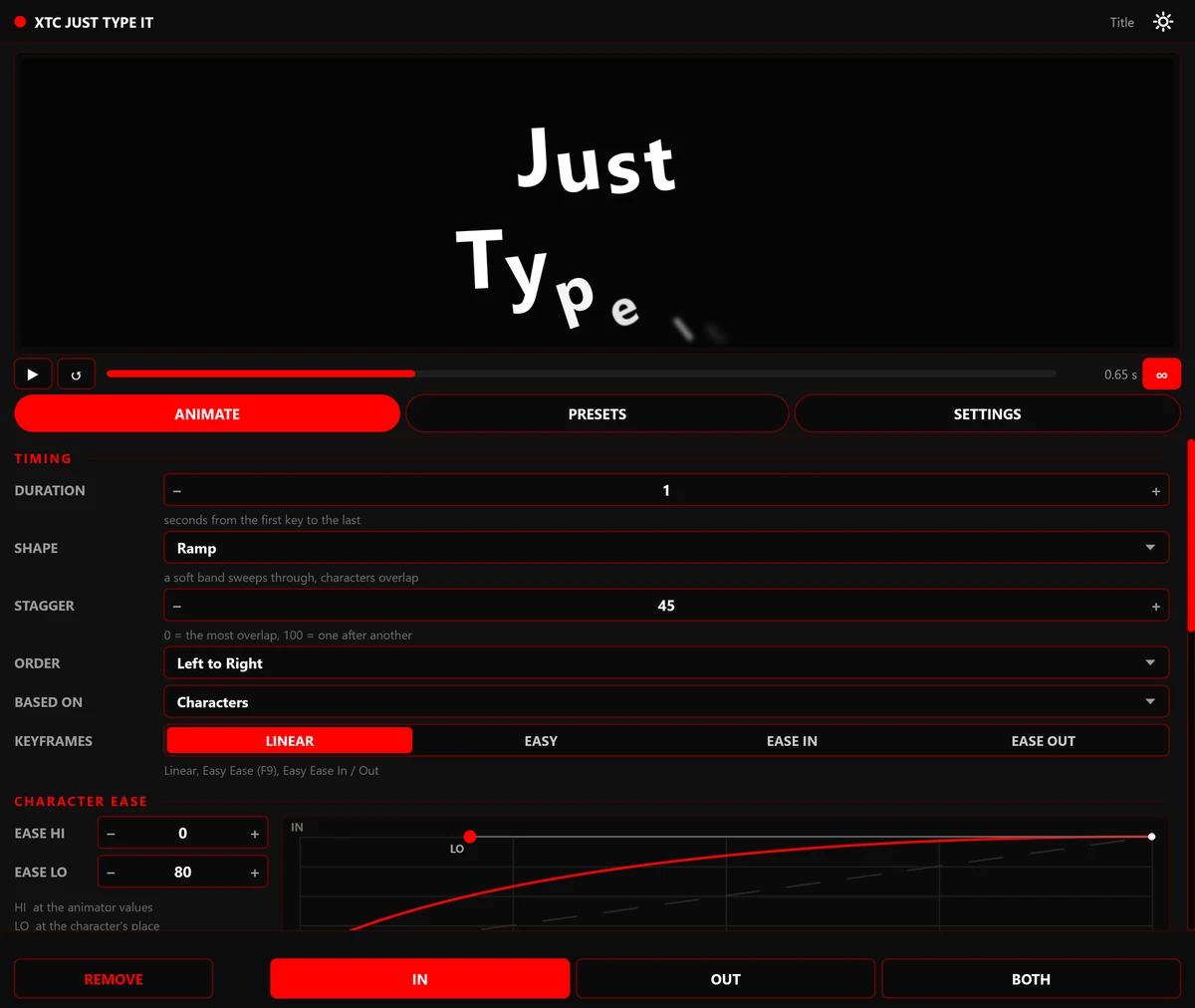
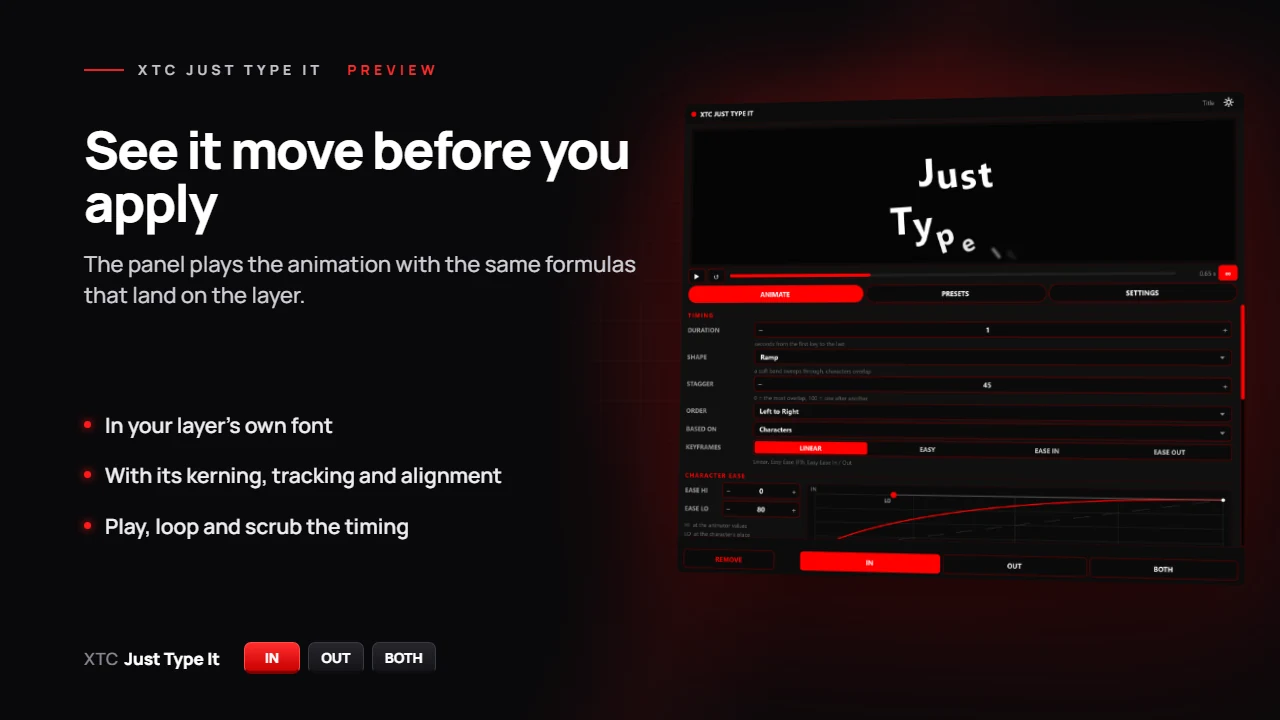
The panel plays the animation with the same formulas that land on the layer, in your layer's font — with its kerning, tracking and alignment.
Ecstasy Visuals / Plug-ins / XTC Just Type It
/01 · Text animation for After Effects
Text animation you can see before it lands on the layer. Build the motion from properties and styles — the panel's screen plays it exactly as After Effects will. IN, OUT or BOTH, and the layer gets native text animators you can edit on the timeline.
Download it and work 7 days without a key. Like it? The key comes by e-mail through Gumroad right after you pay. Lost a key or a computer? My license. The zip holds the Windows and Mac versions.
What is inside
No black boxes: the layer only gets what After Effects can do on its own, put together for you.
The panel plays the animation with the same formulas that land on the layer, in your layer's font — with its kerning, tracking and alignment.
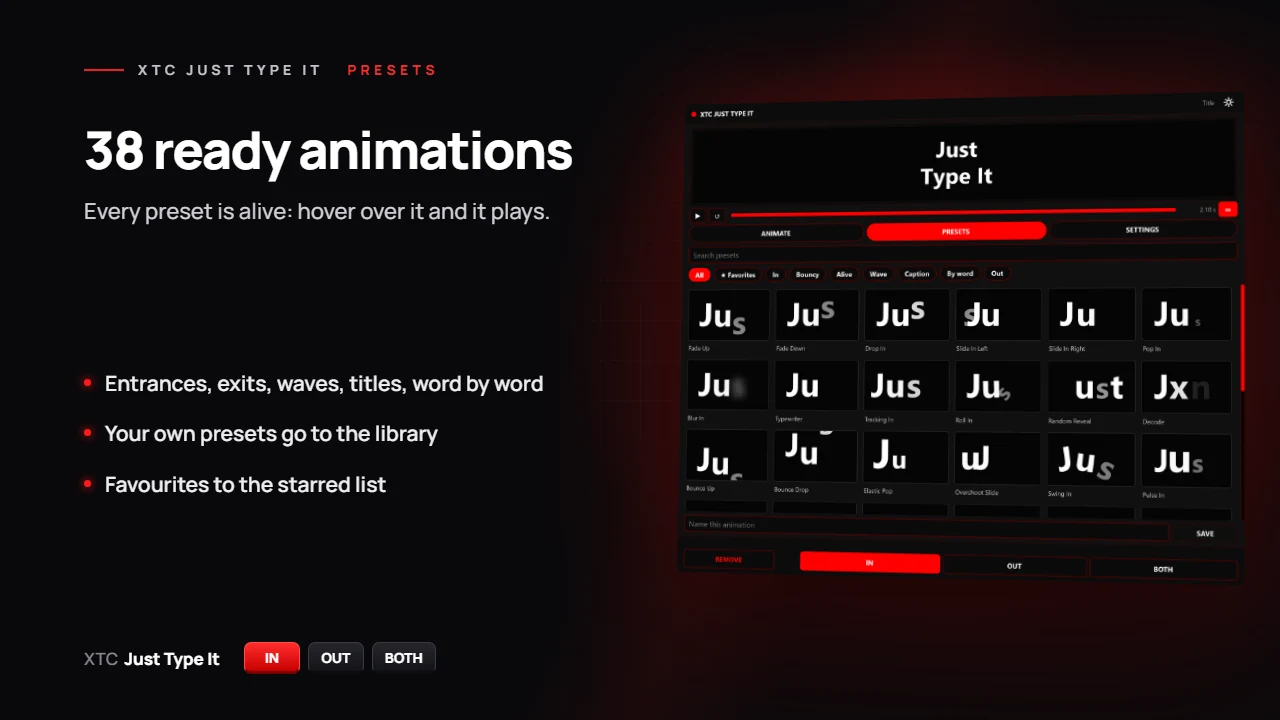
Entrances, exits, waves, titles, word by word. Every preset is alive: hover and it plays. Your own presets go to the library, favourites to the starred list.
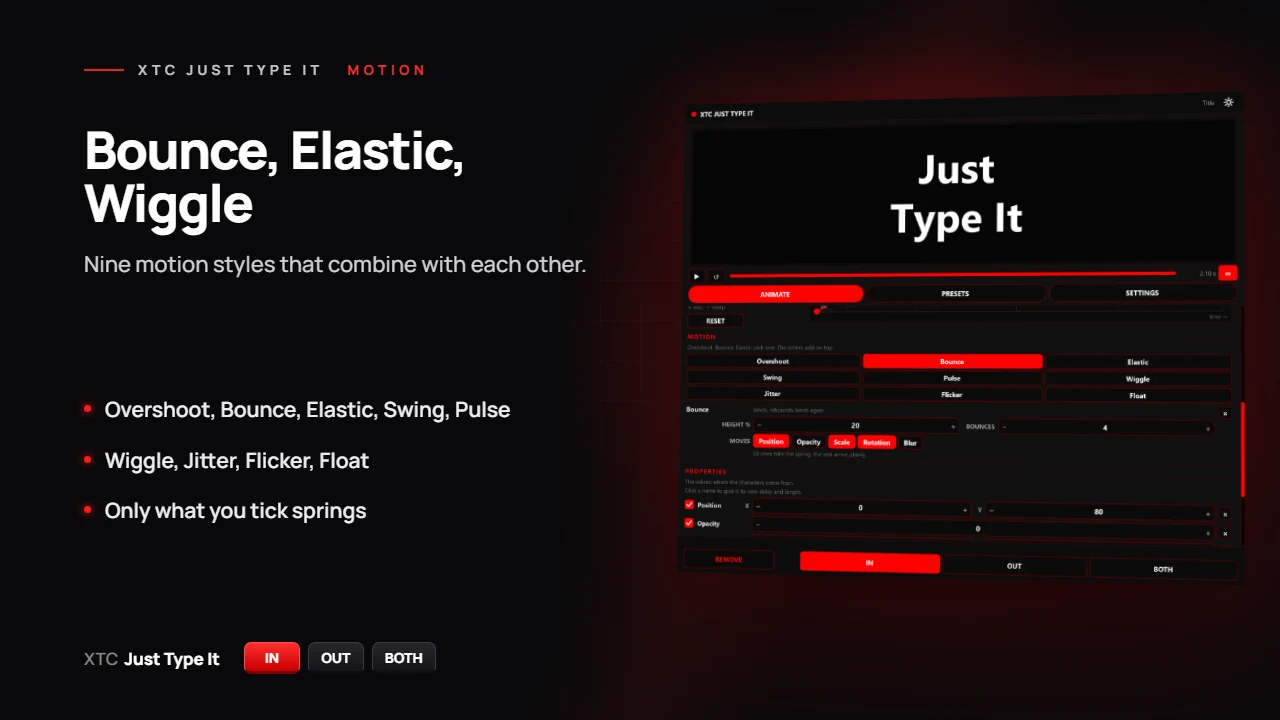
Nine motion styles: Overshoot, Bounce, Elastic, Swing, Pulse, Wiggle, Jitter, Flicker, Float. They combine, and only what you tick springs.
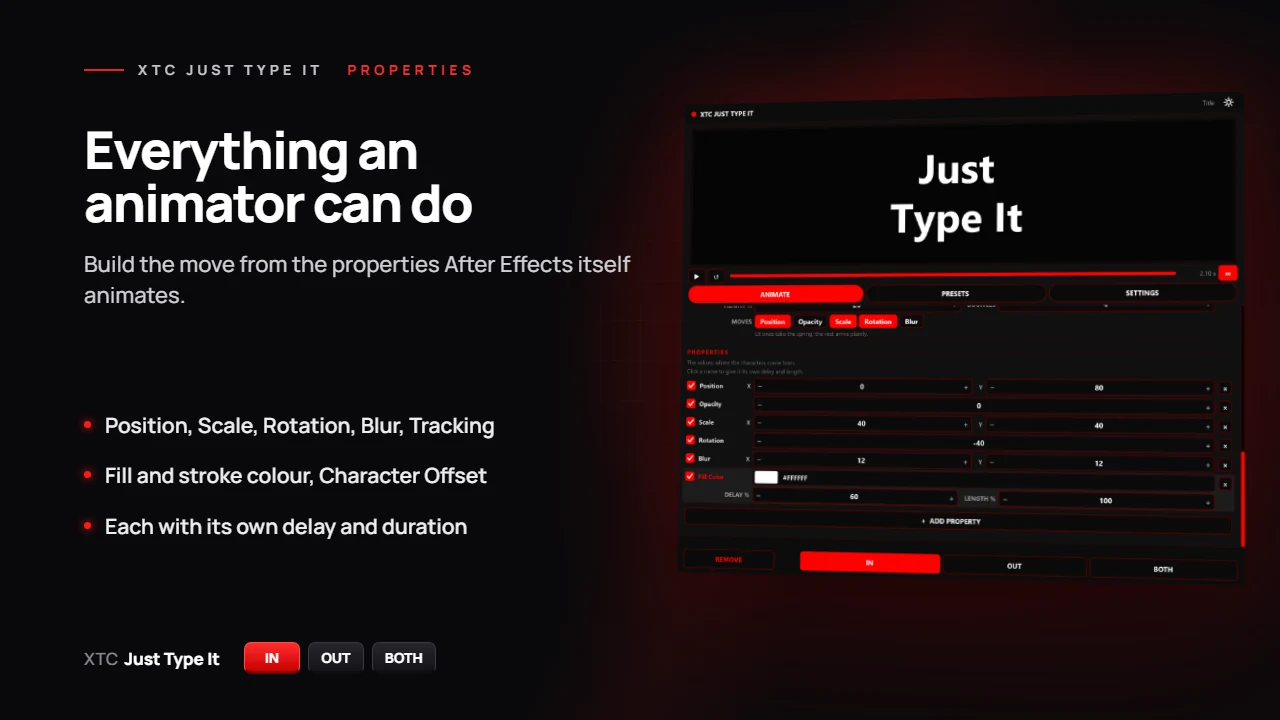
Position, Scale, Rotation, Blur, Tracking, fill and stroke colour, Character Offset and variable font axes. Each property has its own delay and duration.
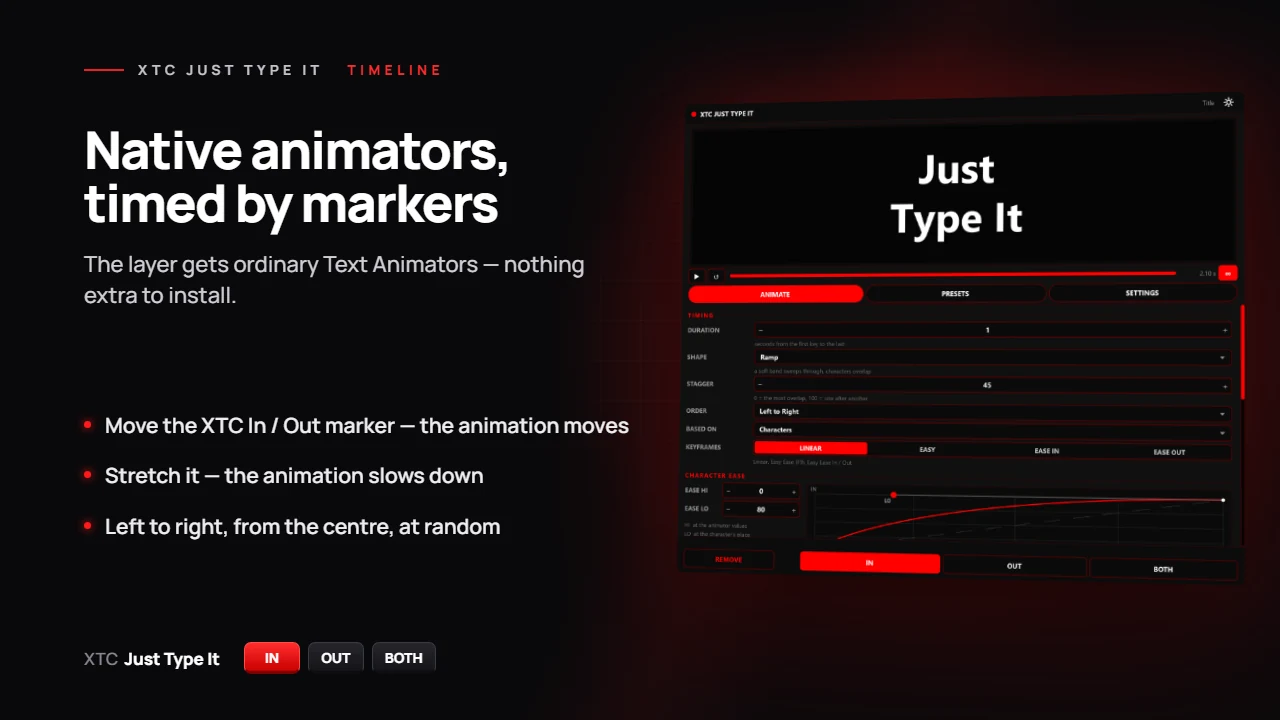
The layer gets ordinary Text Animators. Timing follows the XTC In / XTC Out layer markers: move a marker and the animation moves, stretch it and the animation slows down.
IN, OUT or BOTH go onto every selected text layer in one undo step. Select an animated layer and the panel reads its settings back.
Left to right, right to left, from the centre, from the edges or at random — by characters, words or lines.
IN and OUT live on the layer separately: the entrance from one preset, the exit from another. BOTH sets both in one click.
Interface
 IMG_01
 IMG_02
 IMG_03
 IMG_04
 IMG_05
Getting started
Download the zip, close After Effects and copy the XTC Just Type It folder into your After Effects' Plug-ins folder. On a Mac, follow the guide in the zip.
Window → XTC Just Type It. Every feature works for 7 days without a key.
Like it? Pay through Gumroad and the key comes by e-mail right away. Paste it into SETTINGS → LICENSE and press ACTIVATE.
Select text layers, build the motion and press IN, OUT or BOTH.
Questions
After 7 days the panel closes and asks for a key. Animations already on your layers stay: they are ordinary After Effects animators and need no plug-in.
No. The project opens and renders on any computer, a render farm included.
Windows 10 and 11, macOS 13.3 and newer (Apple Silicon and Intel), After Effects 2020 and newer (tested on After Effects 2026). Variable font axes from After Effects 2026 on. The key works on Windows and Mac alike.
Two. Moving to a new one? Free the old computer on the My license page or in the panel: SETTINGS → LICENSE → DEACTIVATE THIS COMPUTER.
Only to activate and for a check once a day. Offline, the plug-in works for up to 30 days.
Close After Effects and copy the XTC Just Type It folder from the zip into Program Files → Adobe → Adobe After Effects (your version) → Support Files → Plug-ins. Windows asks for permission — Continue. To update, copy the new folder over the old one. On a Mac: copy the folder into Applications → Adobe After Effects (your version) → Plug-ins, then allow the plug-in once (a Terminal line, or Allow Anyway in Privacy & Security) — the guide in the zip walks you through it.
Yes, the plug-ins sit side by side and do not get in each other's way.
/06 · XTC Just Type It 1.2.0
7 days free, then a lifetime key for two computers.