01 · Search
Effects and presets
Every installed effect and animation preset. Enter applies it to the selected layers. Keys 1–7 hold your favourites.
Ecstasy Visuals / Plug-ins / XTC UltraKit
/01 · Plug-in for After Effects
Eight tools around one search bar. Press Ctrl+Space and the launcher opens right under your cursor: effects, morphing, text, alignment, media and expressions in one place.
The zip holds both the Windows and the Mac version. Download it and work 7 days without a key. Like it? The key comes by e-mail through Gumroad right after you pay. Lost a key or a computer? My license.
What is inside
Every installed effect and animation preset. Enter applies it to the selected layers. Keys 1–7 hold your favourites.
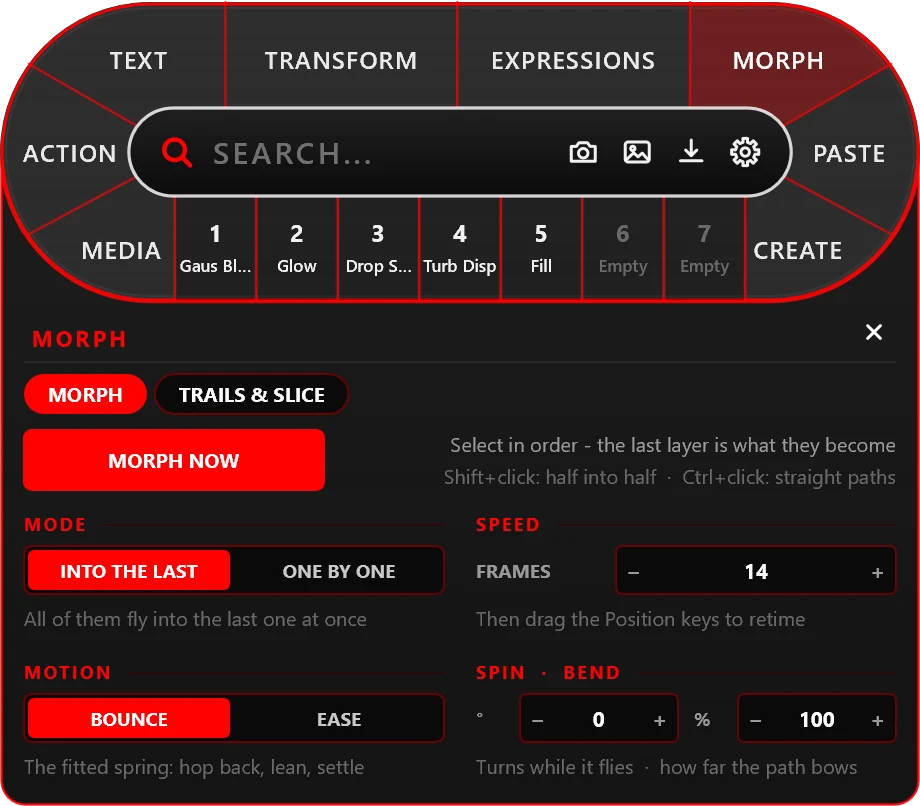
Click the layer that will fly, then the one it will become — MORPH NOW. It flies along an arc, takes on the second layer's size and becomes it. Spin, bend, a smooth mode, speed lines and a trail of copies, shattering into shards. Only keyframes on your own layers.
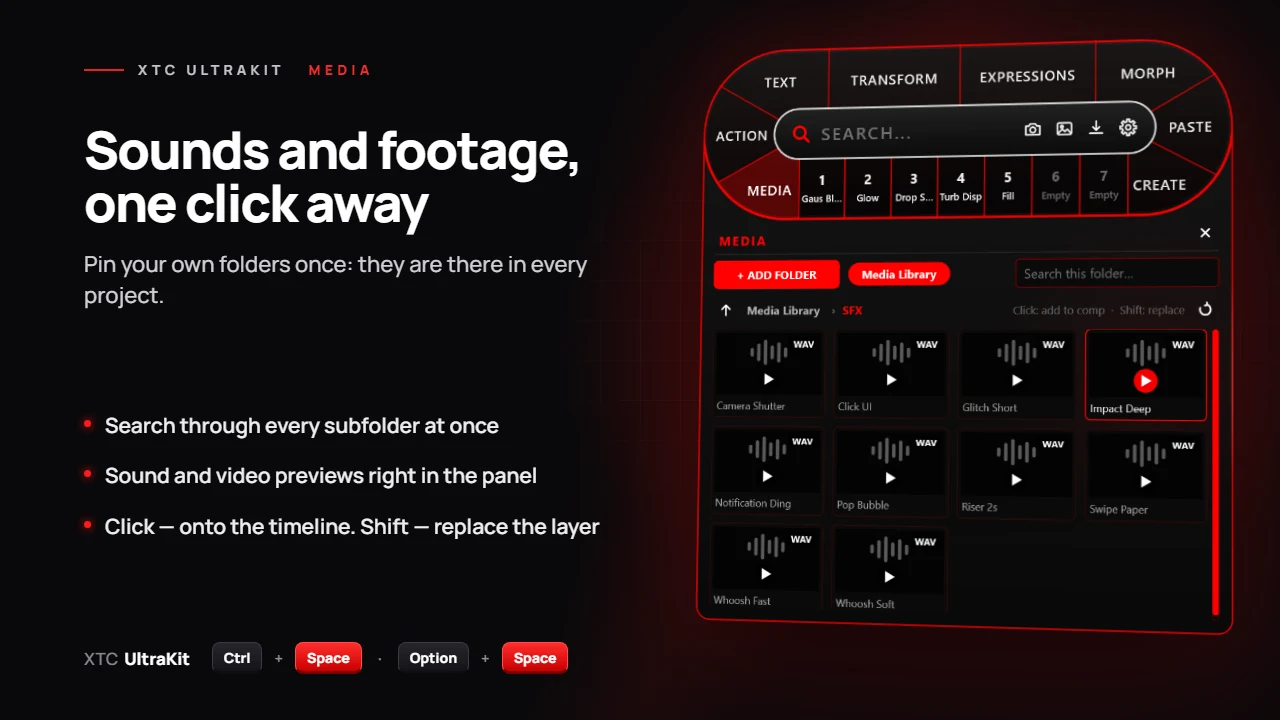
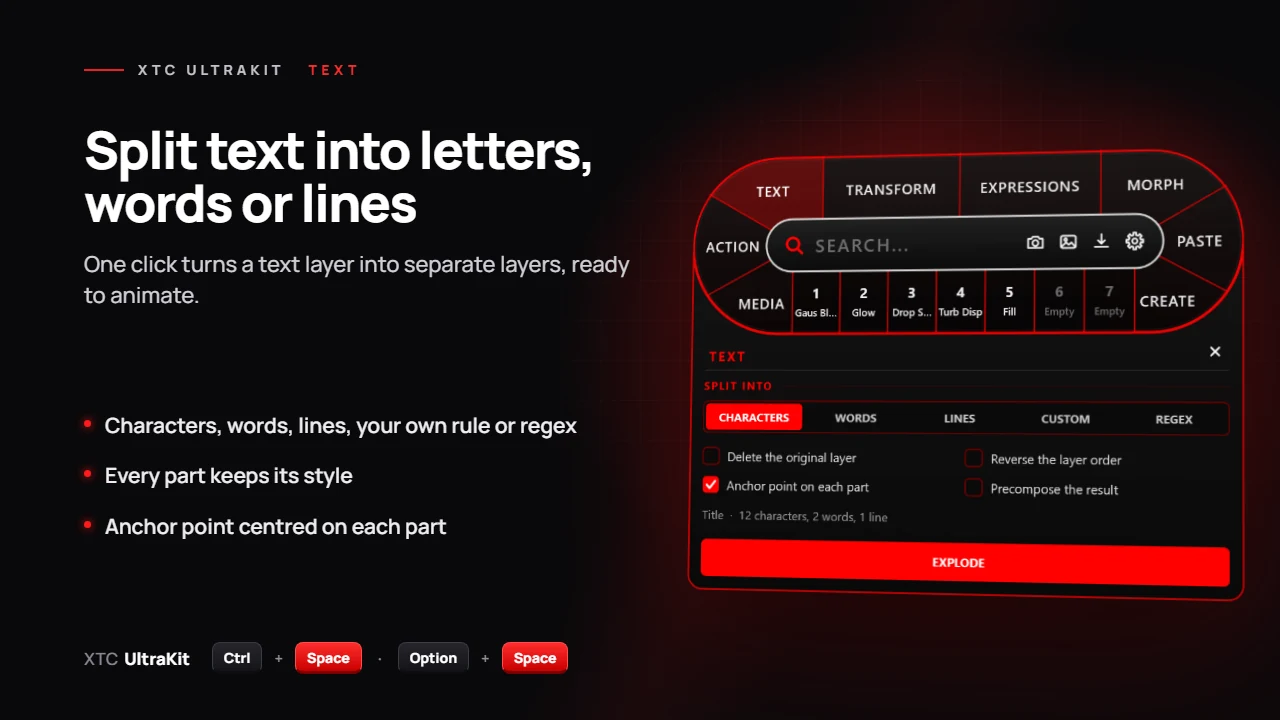
A text layer into characters, words, lines or by your own rule. Every part keeps its styles and its own anchor point.
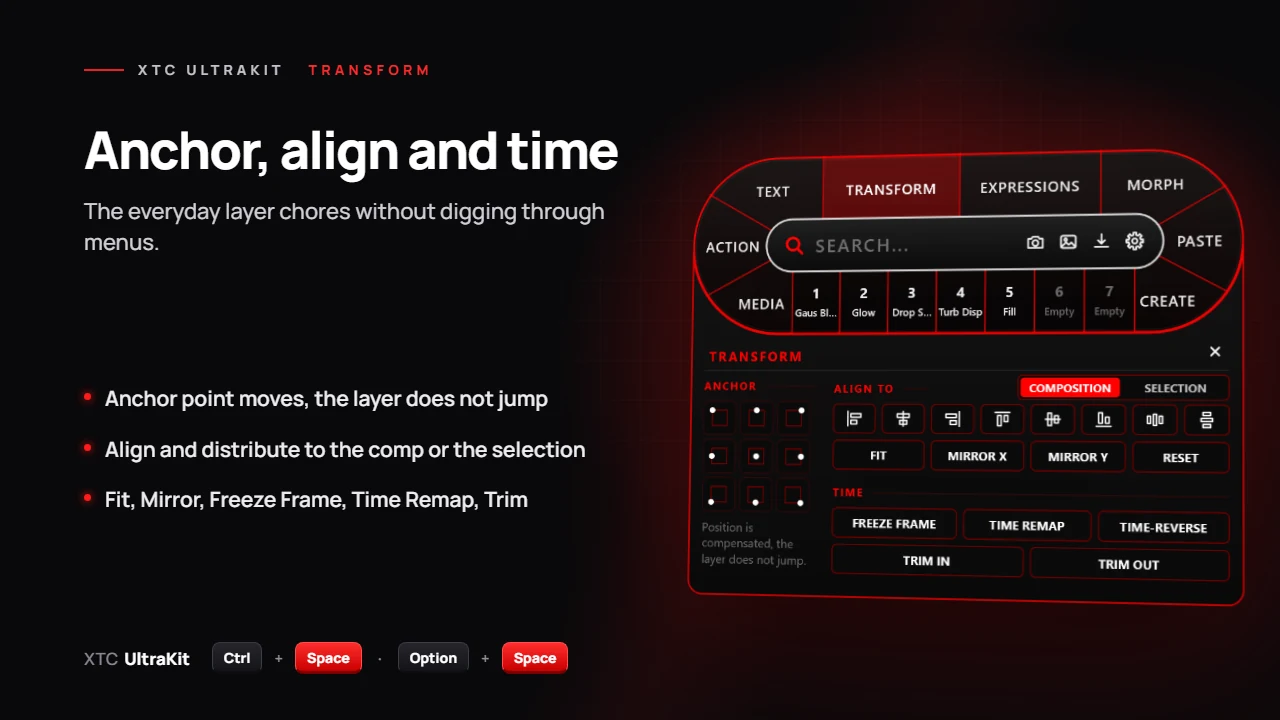
Anchor point moves without the layer jumping, align and distribute to the composition or the selection, Fit, Mirror, Freeze Frame, Time Remap, Trim.
Pre-compose with every option, and Unprecompose — the layers come back out with their keyframes, effects and masks.
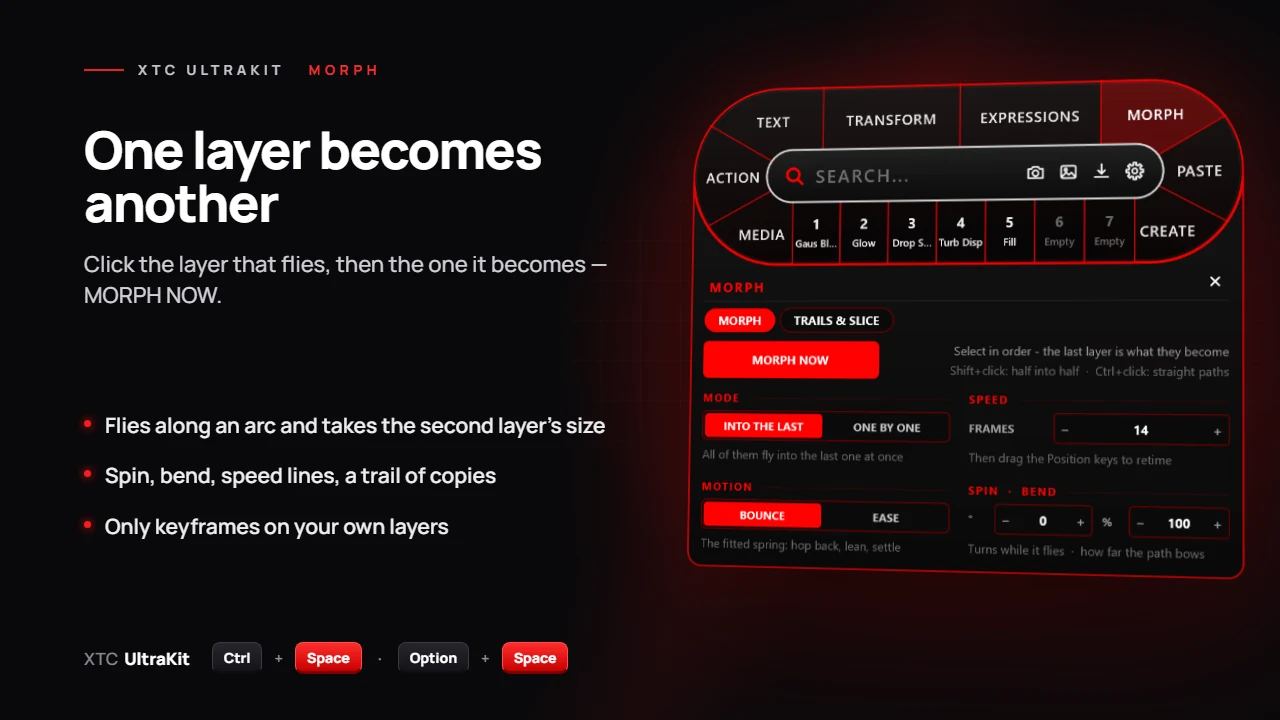
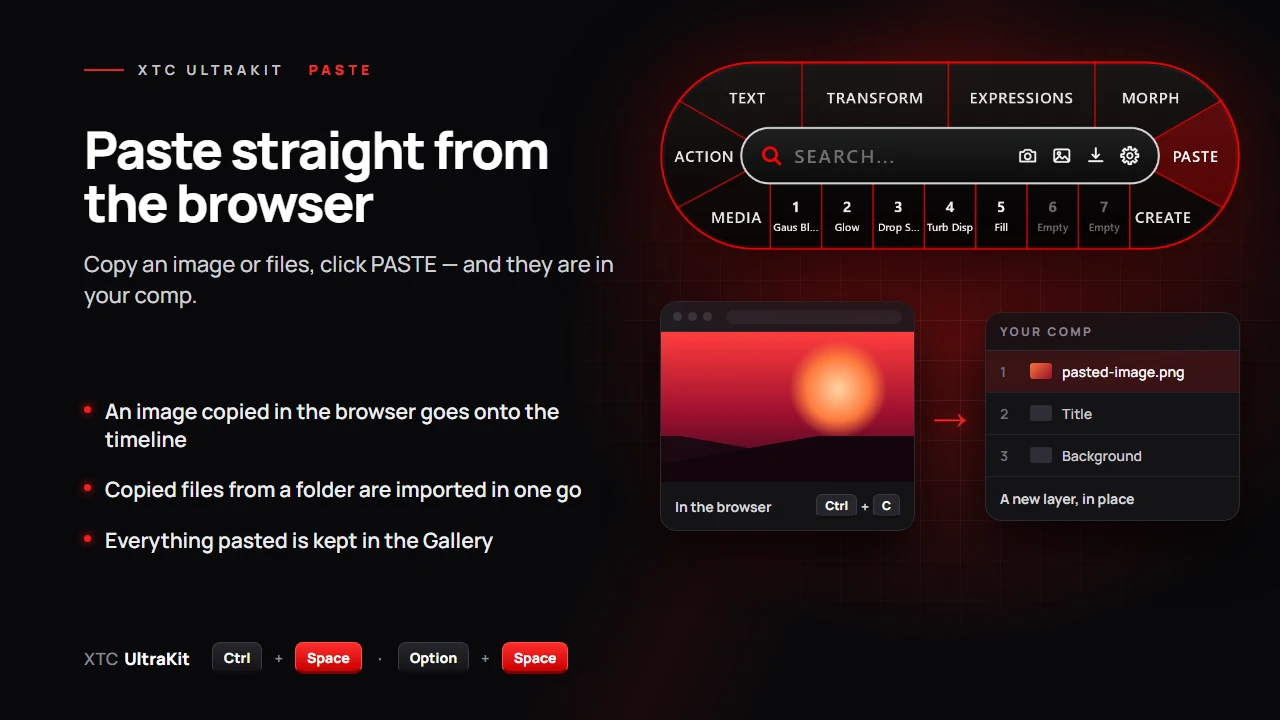
Your own folders of sounds and footage in every project: search through all subfolders, video and sound previews right in the panel. The PASTE button puts an image from the browser or copied files on the timeline.
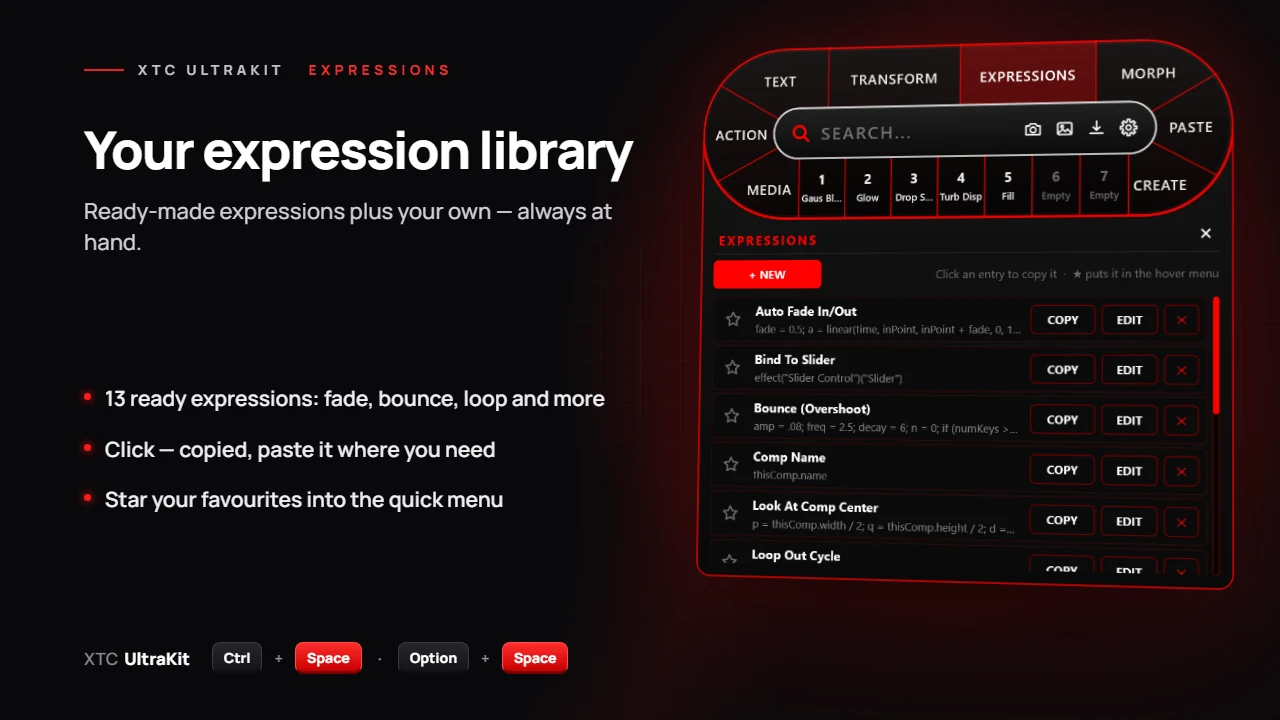
13 ready-made expressions plus your own: click and the expression is copied, paste it where you need; star your favourites into the quick menu. Frame snapshots to PNG, JPEG or the clipboard.
Solid, Adjustment, Null, Shape, Camera, Light and Text — from the same bar, without a trip through the menus.
Interface
 IMG_01
 IMG_02
 IMG_03
 IMG_04
 IMG_05
 IMG_06
Getting started
Download the zip and close After Effects. Copy the XTC UltraKit folder from the zip's Windows or Mac folder into your After Effects Plug-ins folder — the How to install files in the zip show every step.
Start After Effects and press Ctrl+Space (Option+Space on the Mac). Everything works for 7 days without a key.
Pay through Gumroad and the key comes by e-mail. Gear → ACTIVATE, paste the key — Ctrl+V.
Ctrl+Space (Option+Space on the Mac) any time. Offline, the plug-in keeps working for up to 30 days.
Questions
A free 7-day trial — download and work without a key. Morph trails are smooth lines, about 5× lighter for After Effects. Easier install: copy a folder into Plug-ins, no installer. The update is free — the new zip is in your Gumroad library. A Mac version is here — in the same zip.
Windows 10 and 11, and macOS 14 Sonoma or newer (Apple Silicon and Intel), with After Effects 2020 and newer (tested on After Effects 2026). One zip: Windows and Mac folders inside.
Close After Effects. Windows: copy the XTC UltraKit folder from the zip's Windows folder into Program Files → Adobe → Adobe After Effects (your version) → Support Files → Plug-ins; Windows asks for permission — Continue. Mac: copy the XTC UltraKit folder from the zip's Mac folder into Applications → Adobe After Effects (your version) → Plug-ins and allow the plug-in once — the Terminal line is in How to install (Mac).txt. To update, copy the new folder over the old one.
Two. Moving to a new one? Free the old computer in the plug-in (gear → LICENSE → RELEASE THIS COMPUTER) or on the My license page.
Once — to start the trial or activate a key, then a check once a day. Offline, the plug-in works for up to 30 days.
Change the hotkey in the plug-in's settings: gear → HOTKEY. On the Mac the default is Option+Space.
Gear → FEEDBACK: the message reaches us with screenshots and versions.
/06 · XTC UltraKit 1.3